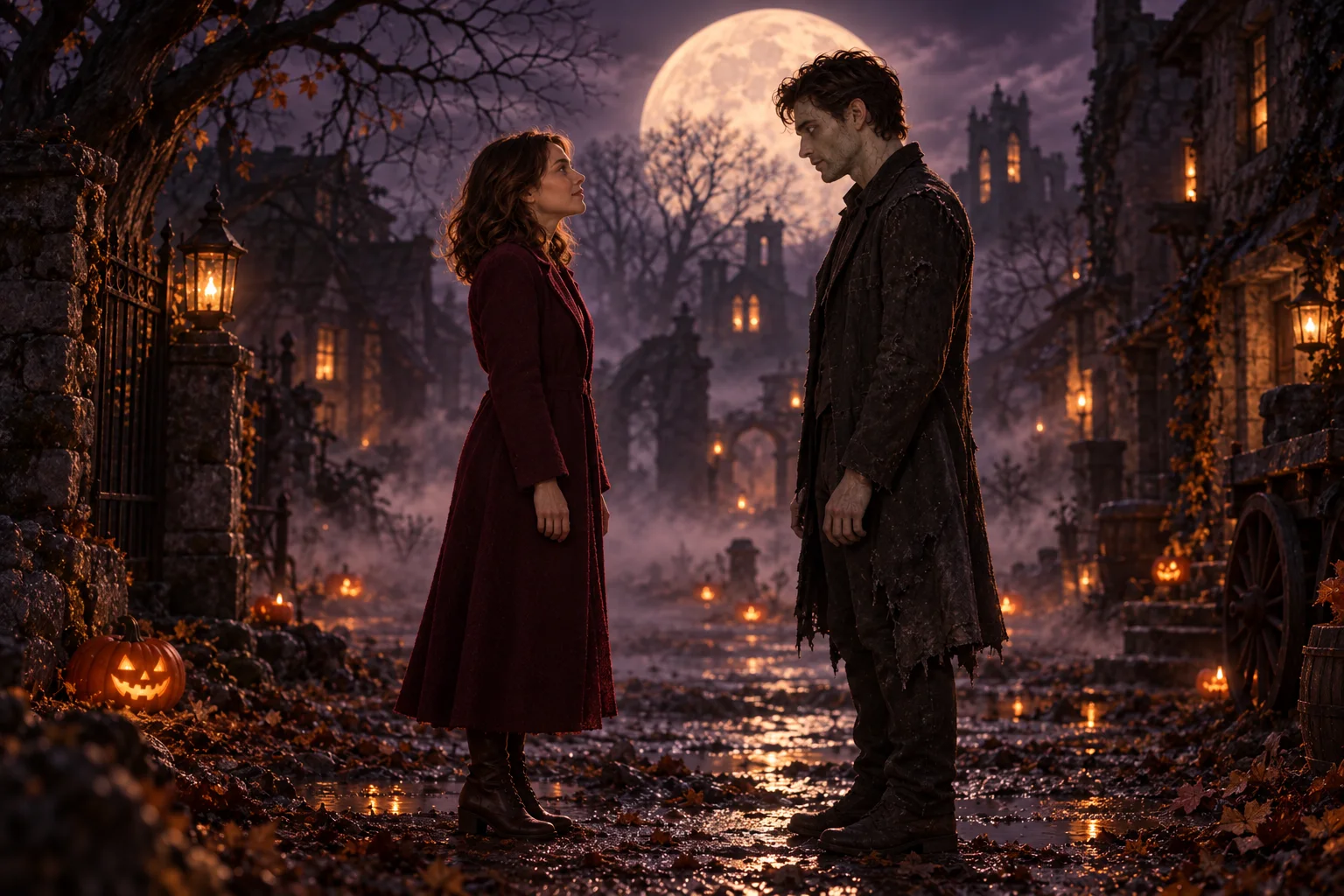
The encounter
The world has changed.
Your zombie couple video opens on a quiet, unfamiliar street. Two people stand a few steps apart. A familiar face interrupts the fear, and the story becomes personal.
A love story for Halloween
Love never really dies.
Turn two authorized photos into a fictional reunion with your partner or dog. Choose your story and review the cost before generating.
Paid generation · 10 or 15 seconds · Music and scene sounds
The leading roles are yours
Your zombie couple video begins with two photos: you and your partner or dog. Choose who stays human and who steps out of the shadows.

A familiar face.
An unfamiliar world.
Choose two authorized adult portraits, or an adult portrait and a dog photo for the dog story. Check roles, settings and cost before generating.
Paid video generation is available. One-time credit packs; no subscription or automatic renewal.
Selected: Classic reunion
Photo 1: the adult Survivor, stays healthy. Photo 2: the adult Zombie Partner, becomes the zombie in cold scenes. Choose a separate, clear portrait for each role.
Use well-lit, front-facing or slight-angle portraits with similar framing and clear facial detail. Avoid distant subjects, heavy color filters and covered faces. The template sets the scene; clothing, backgrounds and poses may vary. File checks do not assess photo suitability.
Both models use the selected story video with its original audio. Photo 1 stays healthy; Photo 2 is the zombie partner or dog in cold scenes and becomes healthy in warm memories. Keep owner first and dog second. Reference-video input is included in the displayed credits. Likeness, makeup and soundtrack matching can vary.
Sign in to choose your photos. Your selection stays in this tab until you submit it.
01 — ADD YOUR PHOTOS
JPG · PNG · WebP · HEIC · input ≤15 MB, prepared ≤4 MBOne permitted adult subject per photo · Clear face · Good lighting. Only the input types listed by the selected template are supported.
Selected photos stay in this tab. Refreshing or closing it requires selecting them again; saved drafts keep settings only.
Reference video and original audio guide music, scene sounds and any voices. Long clips are retimed with audio in sync. Review the actual generated soundtrack.Generated audio · review the actual soundtrack before sharing
This task: 190 Credits
Cost is calculated from the current settings. The server checks the final quote before starting generation.
Sign in and purchase credits to generate. No free trials.
The heart of the story
A zombie couple video follows a simple emotional arc. These original illustrations show the three moments we are designing around.
Your zombie couple video opens on a quiet, unfamiliar street. Two people stand a few steps apart. A familiar face interrupts the fear, and the story becomes personal.
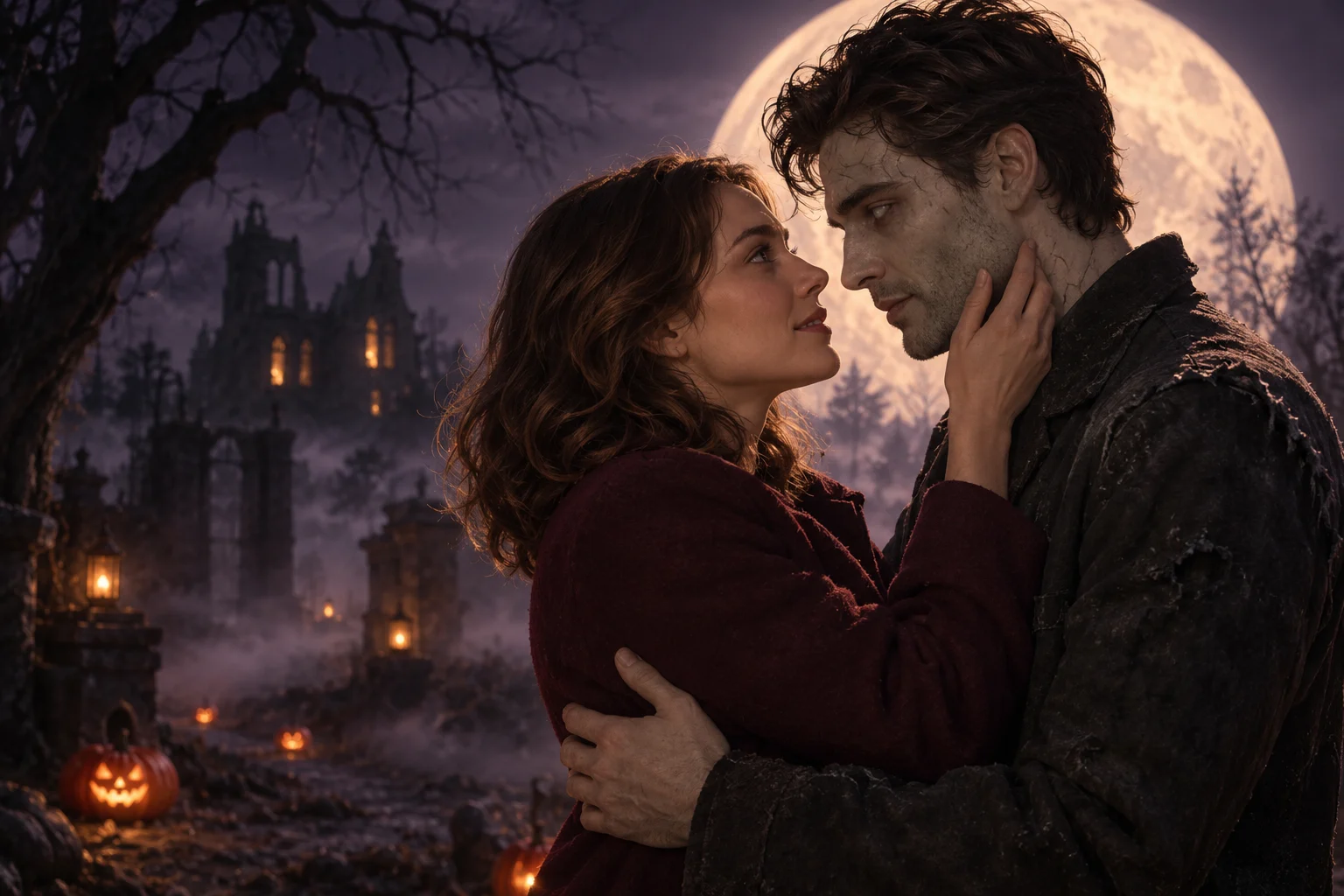
The survivor recognizes their partner beneath the fantasy makeup. A gentle approach becomes an embrace. This zombie couple video direction keeps the emotion close and the action simple.
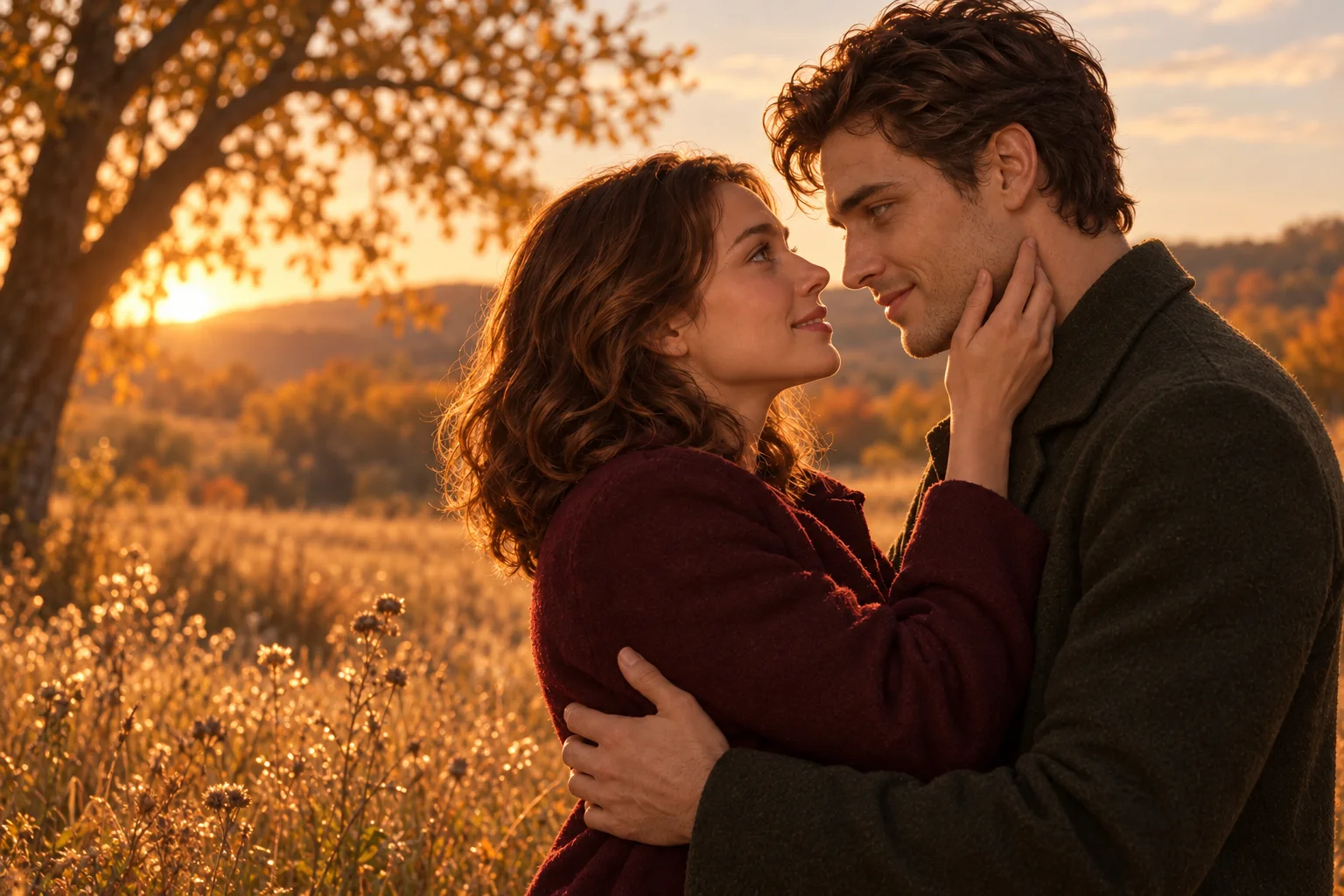
Cold moonlight gives way to an autumn afternoon. The same embrace connects two worlds. A zombie couple video finds its ending in a memory of the pair, healthy and together.
From your camera roll
No costumes to buy. No scene to film. Start with two authorized photos and the story you want to tell.
For couples, choose one clear portrait per consenting adult. For the dog story, choose an adult owner portrait and a dog photo. Check the subject labels before cropping or exchanging photos.
Choose MiniMax H3 or Seedance 2.0 Mini, then select 10 or 15 seconds and the output resolution. All six stories send a prepared reference video with its original audio alongside your two photos. Review the total credit cost before generating.
Follow progress on the task page, then download your video with audio guided by the selected reference. Review both identities, zombie styling, motion and sound before sharing.
A few notes from the director
A zombie couple video gives an October 31 post a small story to tell: even when everything looks different, you still know your person. Pumpkin lanterns, a moonlit street and a cold-to-warm edit create the seasonal atmosphere.
Plan your zombie couple video around one meaningful gesture. A hand on a cheek or a familiar embrace is easier to read than a crowded action sequence.
Start a zombie couple video with separate portraits taken in even light. Keep eyes, hair and the outline of the face visible. Avoid sunglasses, heavy filters and groups of people.
You decide who changes. A zombie couple video can feature your partner or an adult friend who agrees to take part. Before continuing, check that each person is comfortable with their face being used in fictional AI imagery.
A useful zombie couple video prompt names the survivor, identifies the infected partner and describes the movement in order. Ask for recognition, a slow approach, a gentle embrace and a warmer memory. Specify restrained fantasy makeup and an uncluttered setting so the faces remain the focus.
For a handmade zombie couple video, develop a cold embrace image and a matching warm image, then build short clips and choose the cut in an editor. Our original prompt guide includes copyable directions for roles, keyframes and motion.
Watch a zombie couple video once for the story and again for the details. Check both faces, the correct zombie role, hands during the embrace and the transition into the memory.
Before posting your zombie couple video, choose a caption that makes the fictional AI context clear. Use music you are entitled to share and review the destination platform’s current publishing guidance.
Keep your favourite ending
Plan your zombie couple video with a clear view of the cost. Choose a one-time credit pack and review the cost of your selected settings before generating.
Paid video generation is available. One-time credit packs; no subscription or automatic renewal.
$6.99 USD
One-time payment. No subscription.
$17.99 USD
One-time payment. No subscription.
$49.99 USD
One-time payment. No subscription.
Counts use the upper story rate for MiniMax H3 / 768P / 15s: 200 credits, including reference-video input. Table ranges reflect story differences. A 100-credit pack covers Classic reunion with Seedance / 720P / 10s; other reference-mode settings need more. Packs can be combined. Confirm the selected story’s quote before generation.
| Model / resolution | 10 seconds | 15 seconds |
|---|---|---|
| MiniMax H3 · 768P | 155–170 credits | 190–200 credits |
| MiniMax H3 · 2K | 250–275 credits | 305–325 credits |
| Seedance 2.0 Mini · 720P | 100–105 credits | 120–125 credits |
Choose 10 or 15 seconds. MiniMax H3 supports 768P or 2K; Seedance 2.0 Mini supports 720p. Video and original audio guide shots, timing and sound. Long reference clips are retimed to fit 15 seconds, including their audio; the output may differ.
Sign in and purchase credits to generate. No free trials.
Failed charged tasks return eligible unexpired credits once. Returning credits is not a cash refund; cash refund requests are reviewed separately.
Input photos and source-photo reviews expire 24 hours after upload; completed videos expire 7 days after storage. Expired files become inaccessible; scheduled cleanup removes stored bytes. Success, failure or cancellation does not extend expiry. Download before expiry.
Read failure and refund termsA little clarity before the magic
Everything to know about your zombie couple video, from the photos to the final scene.
A zombie couple video is a fictional short love story featuring two people, one with a zombie appearance. Recognition leads to an embrace and, often, a warm memory. Our version centers on a gentle, non-graphic reunion.
No. Personalized generation requires signing in and purchasing credits. There are no free trials or signup credits.
For a couple story, choose one consenting adult per image. For the dog story, choose an adult owner portrait first and a dog photo second. The local check reads file type, dimensions, size and whether the image can be decoded. It does not count faces, verify ages or establish permission; please check those details yourself.
Yes. Use Swap roles after choosing your photos. The first slot remains the Survivor and the second the Zombie Partner. The files exchange places, so your zombie couple video direction follows your choice.
Exact likeness is not guaranteed. A zombie couple video may change faces, hands, clothing or movement, even with good references. Creator clips are independent references. They do not verify this site’s personalized output or guarantee a matching result.
Choose 10 or 15 seconds. MiniMax H3 supports 768P or 2K; Seedance 2.0 Mini supports 720p. Video and original audio guide shots, timing and sound. Long reference clips are retimed to fit 15 seconds, including their audio; the output may differ.
Both MiniMax H3 and Seedance use the selected story video with its original audio. Photo 1 stays healthy; Photo 2 receives non-graphic zombie styling in cold scenes and returns to normal in warm memories. Weapons and violent beats are omitted. Results can vary.
Input photos and source-photo reviews expire 24 hours after upload; completed videos expire 7 days after storage. Expired files become inaccessible; scheduled cleanup removes stored bytes. Success, failure or cancellation does not extend expiry. Download before expiry. Deletion removes access to local copies and schedules removal of stored files. Deleting a submitted generation does not automatically return its credits; it may already have incurred supplier costs. Provider copies are not confirmed deleted. Account, order and security records are retained separately for account service, payment reconciliation, disputes, abuse prevention and legal obligations; contact support for privacy requests.
Copy four complete zombie love story prompts and three optional shot prompts. Learn reference roles, gentle scenes and role swaps.
Read guideFollow the site workflow from story selection and authorized photos to credit purchase, generation and download, or use a separate manual prompt workflow.
Read guideUnderstand the zombie love story format, its reunion and memory cut, partner and dog versions, and the difference between references and generated results.
Read guideRead free prompts and tutorials, compare manual editing with paid AI generation, and understand this site’s one-time credit packs and limits.
Read guidePrepare an owner photo and a dog photo, choose the pet story and check the cost before generating.
Read guideIdentify the problem, check your photo roles and decide what to change before another paid attempt.
Read guideBring two photos. Begin your zombie couple video story.
Choose your photos Paid generation · 10 or 15 seconds · Music and scene sounds